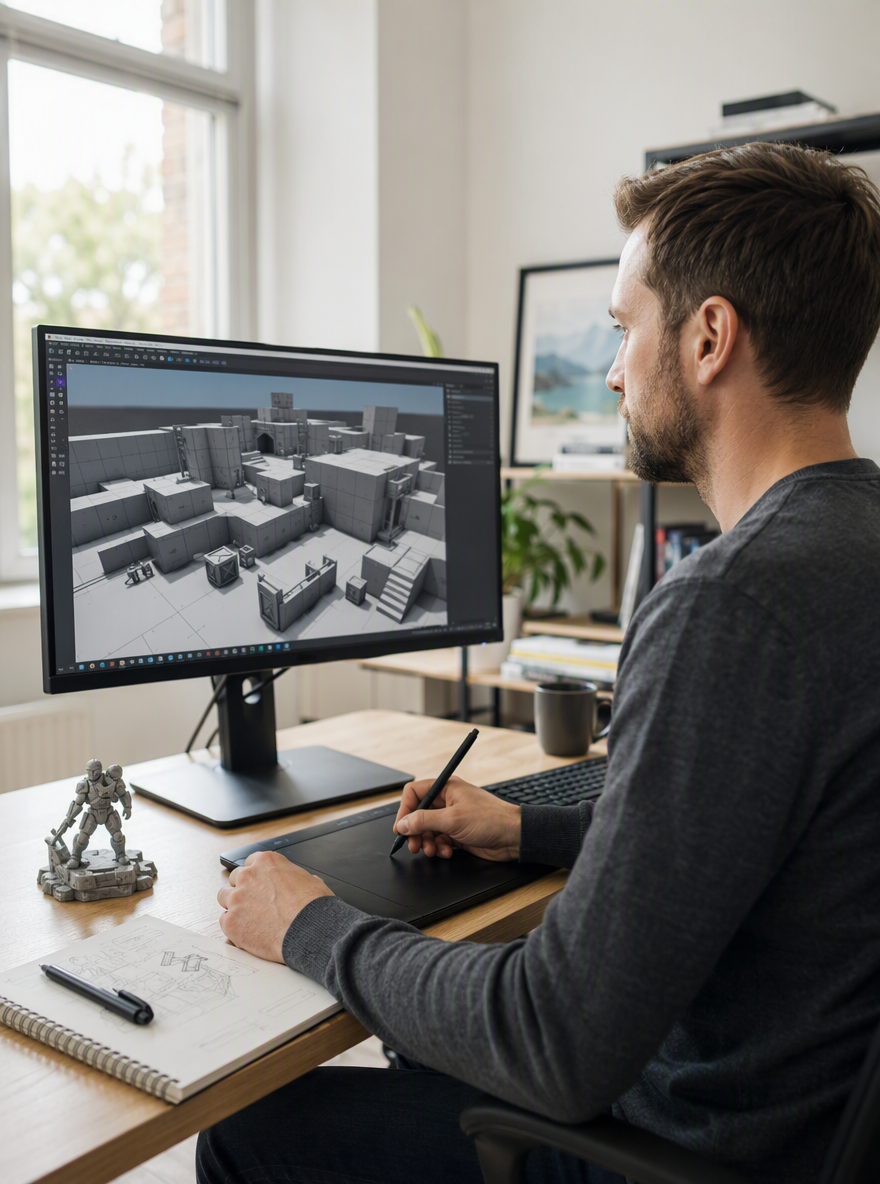
Page.TextTo3D.Hero.title
Page.TextTo3D.Hero.subtitle
From a Written Spec to a Game-Ready Mesh
Describe the asset — materials, proportions, style — and ModelGenerator's text to 3D model generator builds the geometry and PBR textures for you. Export GLB straight into your engine or viewer, no manual retopology or UV pass required.
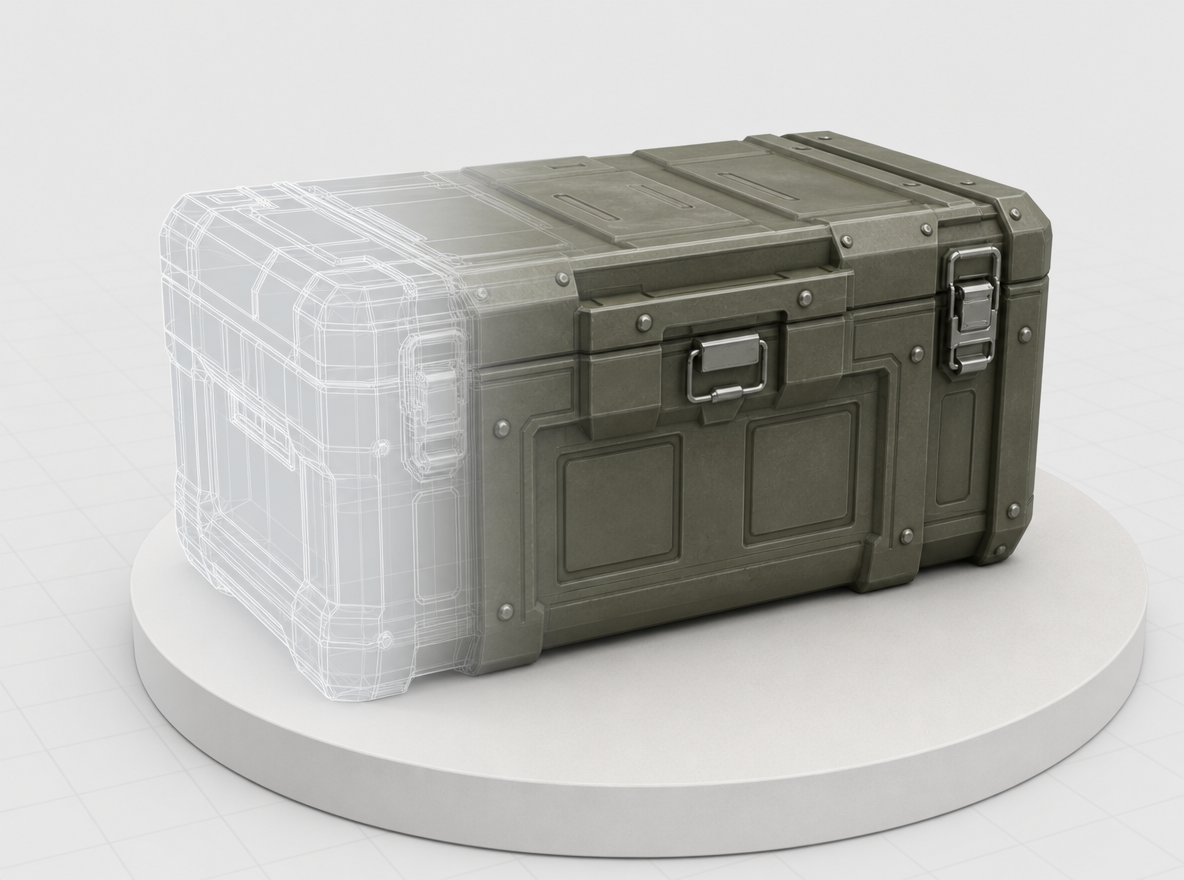
Pick Mesh Density for Your Pipeline Stage
Draft, Standard, Pro, and Ultra map to how far downstream the asset is heading — Draft for a same-day blockout, Ultra for a hero asset headed to a close-up render. Switch density any time without rewriting your spec.
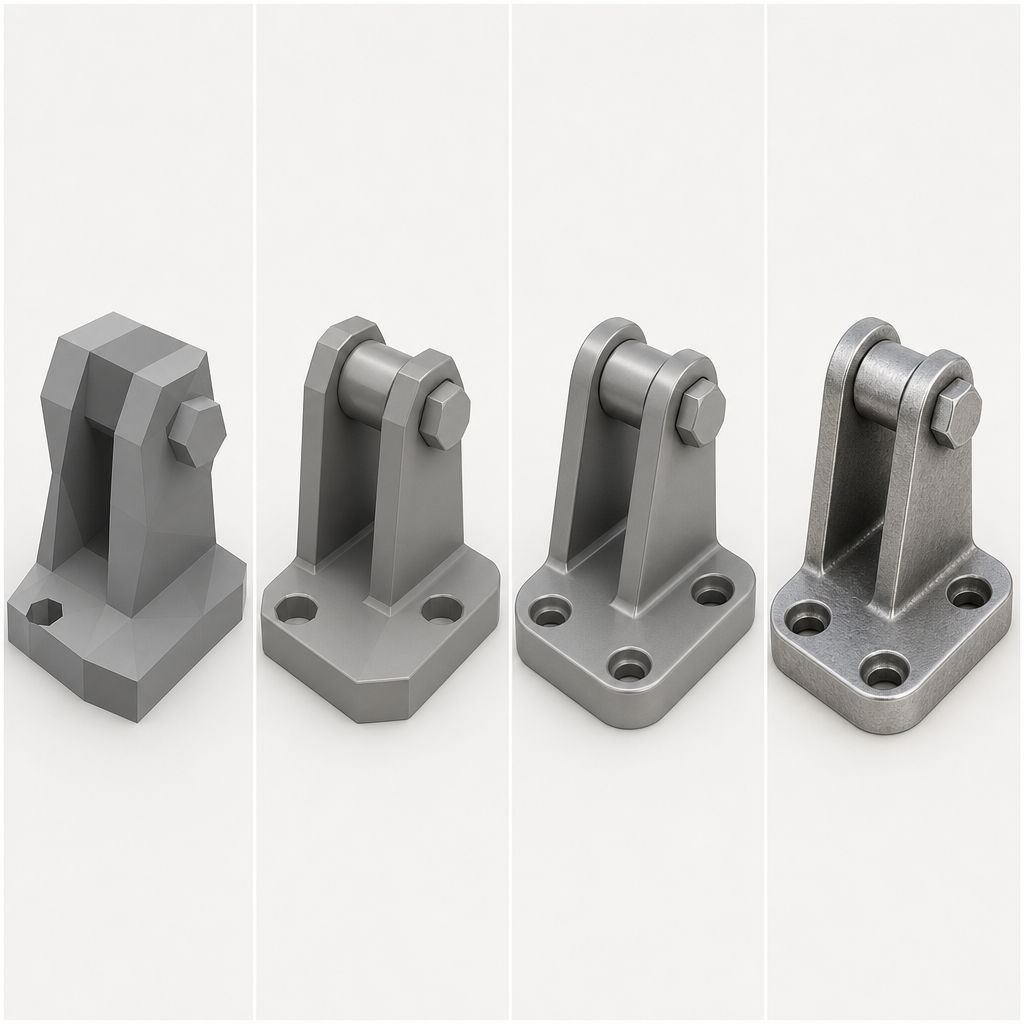
Export Straight to GLB for Your Engine
Every generation ships with PBR materials and exports directly to GLB — no separate texturing pass, no format conversion before it lands in your engine's import pipeline.
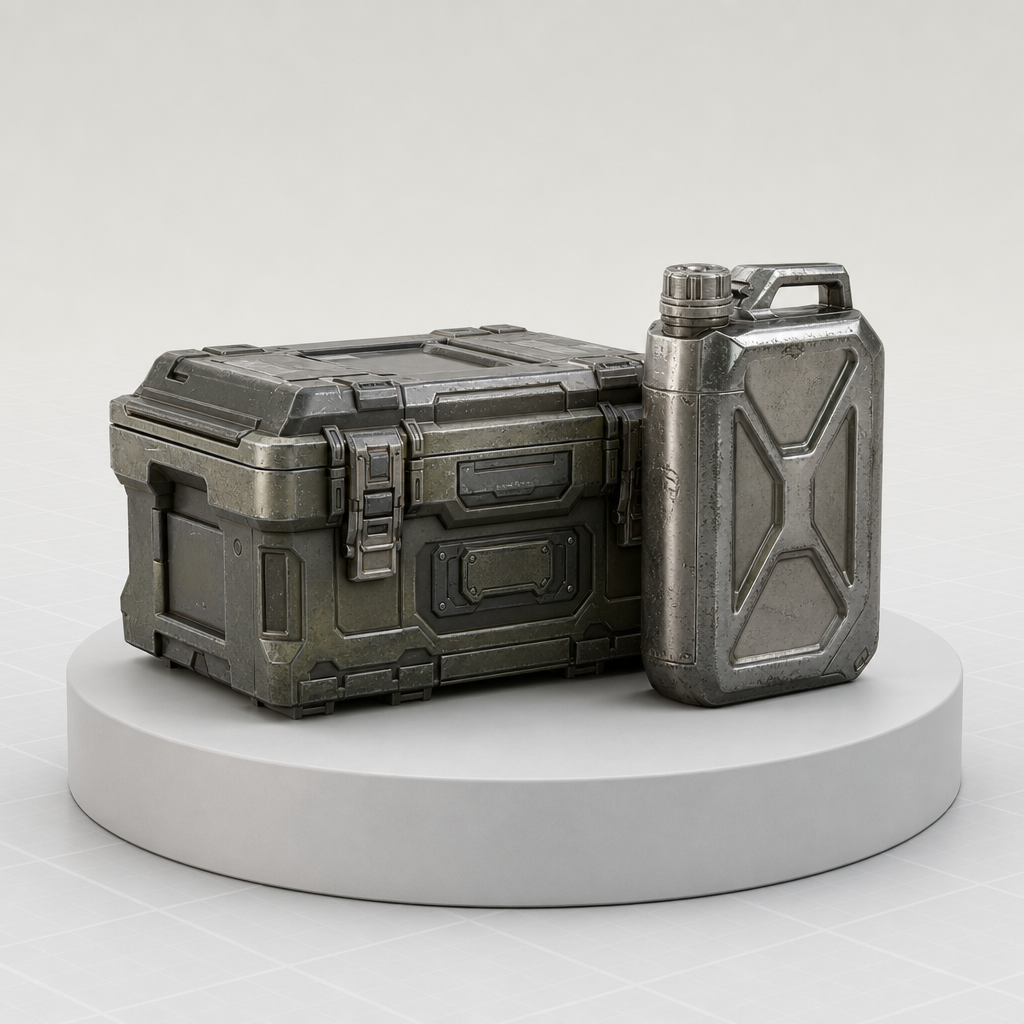
Describe Materials, Scale, and Style Precisely
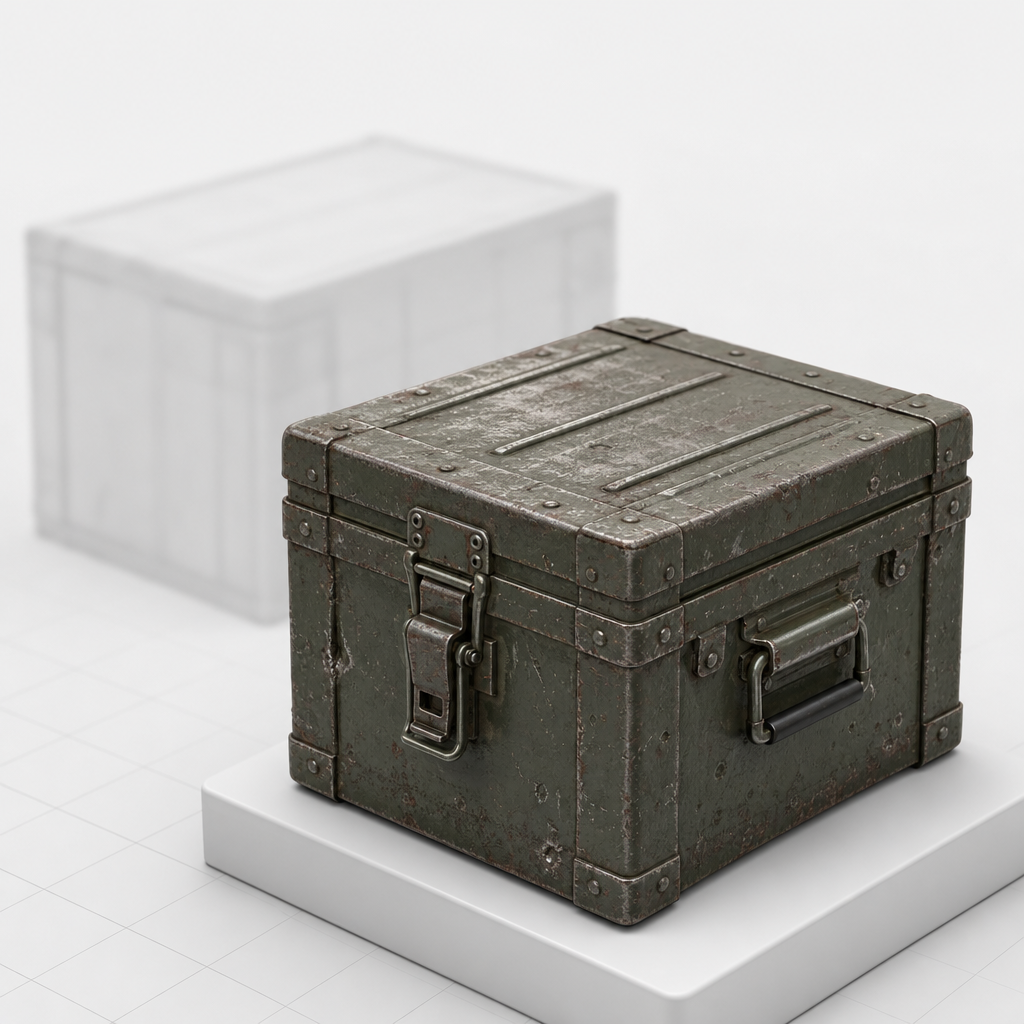
A specific spec gets you closer to a usable asset on the first pass — a scratched metal ammo crate gives ModelGenerator more to work with than "a box." Vague specs leave more for the AI to guess.
From Spec to Export in Three Steps
The same three steps whether you're blocking out a level prop or prepping a hero asset.
Write your spec
Describe the object, its materials, and its style in up to 1,024 characters.
Pick a fidelity level
Draft, Standard, Pro, or Ultra, depending on where the asset is headed.
Export GLB
Drop the finished mesh into Unity, Unreal Engine, Blender, or any glTF-compatible pipeline.

Text to 3D vs. Commissioning a 3D Artist
ModelGenerator doesn't replace a 3D artist's judgment on a hero asset — it replaces the blank-scene starting point for everything that doesn't need one. Use it to get a first-pass mesh into the engine before deciding what needs a hand-tuned pass.
ModelGenerator text to 3D | Commissioning a 3D artist | |
|---|---|---|
| Time to a first usable mesh | 10–120 seconds | Days to weeks |
| 3D software required to start | ||
| Texturing | Automatic PBR materials | Separate texture/UV pass |
| Starting point | A written spec | A creative brief |
| Best for | Blockouts & quick iteration | Hand-tuned hero assets |
| Output | GLB + preview image | Varies by artist/software |
Who's Generating 3D Models From Text
A text to 3D pipeline earns its place when it saves real production time — here's where that shows up. The same pipeline, four different reasons to reach for it.
Game & level designers
Block out props and set dressing from a spec before committing to a hand-modeled asset — useful for greyboxing a level fast.
AR/VR developers
Generate lightweight, textured objects for a prototype scene without waiting on a dedicated 3D artist's schedule.
Product & industrial designers
Turn a written spec into a rough 3D form to review proportions before a CAD pass, while dimensions are still flexible.
Indie & solo developers
Fill out a prop list without a 3D art budget — describe what the scene needs and export straight into the engine.